Anzeigen
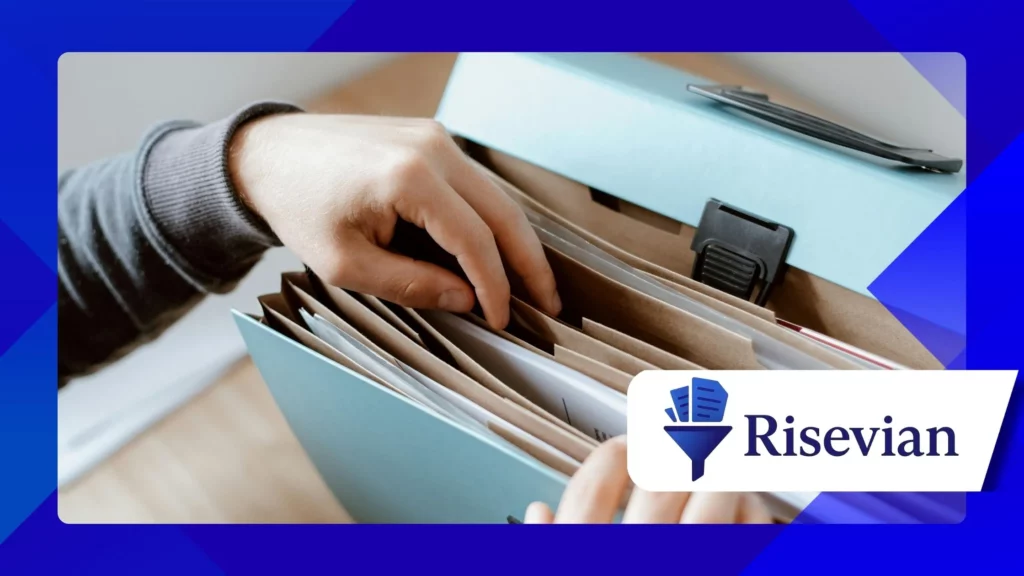
File-Management Apps for Android have become essential tools for users who want fast, organized, and secure ways to navigate documents, photos, downloads, and storage systems on their smartphones.
These apps simplify digital management by offering structured folders, clear navigation tools, and helpful features that reduce clutter and improve productivity across different tasks.
The purpose of this article is to highlight the most reliable file-management apps in 2025 that deliver secure performance, intuitive controls, and strong compatibility with modern Android devices.
Each recommended app demonstrates how efficient file management improves flexibility, enhances storage awareness, and supports long-term organization strategies that assist users in daily routines.
These insights help individuals select tools that improve accessibility while reducing stress caused by messy file structures and confusing digital environments.
Anzeigen
The article offers a detailed overview of the apps that provide the strongest balance of speed, user experience, and dependable security.
1. Why File-Management Apps Are Essential for Android Users
File-management apps play a critical role in helping Android users maintain order within their devices by preventing clutter and optimizing available storage space. These tools simplify everyday tasks that involve moving, renaming, and organizing digital content.
As smartphones become primary devices for work, study, and entertainment, users accumulate photos, videos, documents, and downloads rapidly. Without strong file systems, this content becomes difficult to manage.
Reliable file managers offer built-in storage analyzers that show where memory is being used, helping individuals clear unnecessary files and free up space efficiently. This visibility improves device performance significantly.
Modern apps also provide secure file-handling tools that protect sensitive information, including encrypted folders and password-protected archives. These protections support long-term privacy and safety.
With increasing digital activity, file-management apps remain essential for maintaining organization, reducing stress, and supporting productivity across all Android devices.
2. Files by Google: A Clean, Smart, and Fast Management Tool
Files by Google remains one of the most trusted file-management apps for Android because it combines speed, simplicity, and intelligent cleaning tools created specifically for everyday users. Its interface promotes clarity and ease of use.
The app’s smart suggestions identify duplicate files, temporary data, and large unused items that consume unnecessary storage. These recommendations help users declutter quickly and safely without confusion.
Files by Google includes a fast search function that locates documents, images, and videos instantly, reducing time lost scrolling through crowded folders. This speed contributes to its popularity among busy users.
The app offers secure offline file-sharing that allows users to transfer content to nearby devices without internet access. This feature improves convenience during travel or work settings.
Studien aus der Nationales Institut für Standards und Technologie emphasize the importance of secure digital handling tools, reinforcing Files by Google’s strong commitment to privacy and user protection.
3. Solid Explorer: A Powerful Dual-Pane Interface for Advanced Users
Solid Explorer is known for its dual-pane design that lets users drag and drop files between windows, making it an excellent choice for advanced organizational tasks. This interface improves efficiency during large file transfers.
The app includes strong encryption tools that protect sensitive content with passwords or fingerprint authentication, offering robust privacy features for personal or professional use. This security attracts experienced users.
Solid Explorer supports cloud storage services such as Dropbox, Google Drive, and OneDrive, making it easy to manage both local and cloud files within the same interface. This interoperability increases flexibility.
Users appreciate its customization options, including themes, icons, and layout adjustments that create a personalized digital experience. This personalization encourages long-term use and comfort.
Solid Explorer also provides detailed storage analytics that help users monitor memory usage and identify areas where data can be removed or reorganized.
4. FX File Explorer: A Privacy-Focused App With Strong Local Tools
FX File Explorer emphasizes privacy by avoiding cloud tracking or advertising systems, offering a clean environment for users who value digital independence. This commitment builds strong trust among privacy-conscious individuals.
The app includes powerful local tools that support compressed files, network drives, and password-protected archives without requiring extra plugins. These features make it ideal for advanced tasks.
Its split-view mode helps users manage multiple folders simultaneously, improving efficiency during sorting or file transfers. This multitasking strength benefits users who handle large storage collections.
FX File Explorer includes intuitive media viewers that allow users to preview videos, images, and documents directly from the interface. These built-in tools reduce switching between apps.
Forschungsergebnisse der Agentur für Cybersicherheit und Infrastruktursicherheit highlights how local data handling reduces online exposure, supporting FX File Explorer’s offline-first design philosophy.
5. X-Plore File Manager: A Feature-Rich Tool With Deep Control
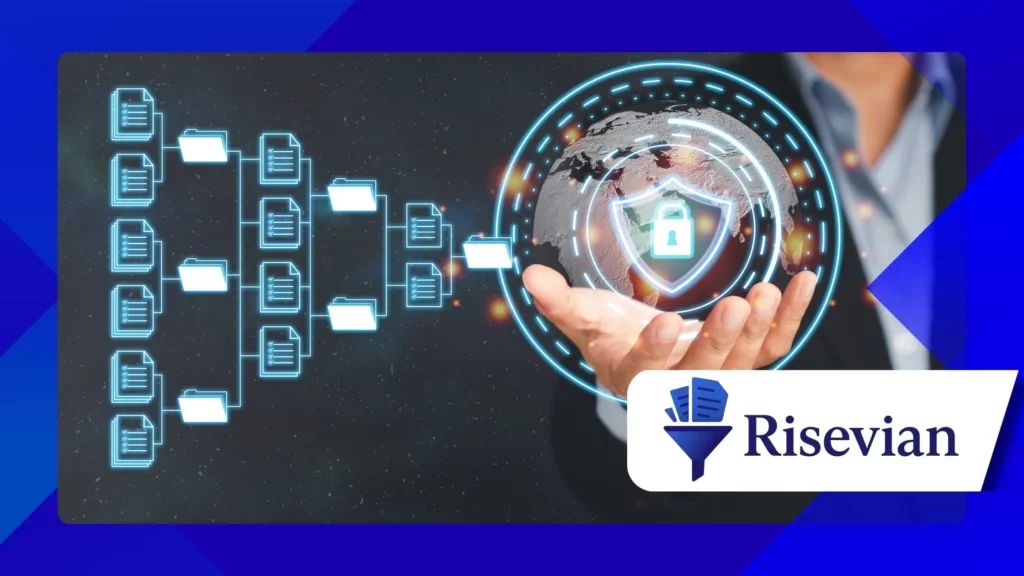
X-Plore File Manager provides a unique tree-view interface that shows folder structures clearly, helping users understand how their storage system is organized. This visualization is ideal for complex file systems.
The app includes a dual-panel layout that supports fast navigation between folders. This interface appeals to individuals who manage multiple directories at once with high precision.
X-Plore supports FTP, SSH, LAN, and cloud storage integration, allowing users to manage files across various remote locations. This connectivity strengthens its value for technical users.
Its built-in media player and image viewer give users convenient access to content without leaving the app, improving workflow speed and reducing distractions.
Users appreciate X-Plore’s file-compression tools, which allow them to create and extract archives easily during large data organization tasks.
+ Die besten Notiz-Apps für Studenten und Berufstätige
6. Total Commander: A Classic Power Tool With Strong Performance
Total Commander remains a popular file-management solution due to its robust performance, customizable interface, and reliable toolset that appeals to advanced users who need deep control.
The app supports plugins that expand capabilities such as network browsing, cloud storage access, and file transfer protocols. This extensibility makes it one of the most versatile options available.
Total Commander includes powerful search tools that locate files across complex storage systems quickly and accurately, allowing users to save time during navigation tasks.
Its dual-panel layout supports side-by-side folder views that simplify organization and accelerate large file movements. This efficiency is useful for heavy-duty operations.
The app’s stability and long-term reputation continue to attract experienced users who want reliable file management without unnecessary visual distractions or ads.
Comparison Table: Best File-Management Apps for Android in 2025
| App-Name | Am besten geeignet für | Hauptmerkmal | Schwierigkeitsgrad | Idealer Benutzer |
|---|---|---|---|---|
| Dateien von Google | Everyday use | Smart cleaning suggestions | Einfach | Beginners and casual users |
| Solid Explorer | Advanced tasks | Dual-pane interface | Medium | Experienced users |
| FX File Explorer | Privacy | Local tools and no tracking | Medium | Datenschutzorientierte Nutzer |
| X-Plore File Manager | Deep control | Tree-view structure | Medium | Technical users |
| Total Commander | Power operations | Plugin support | Medium | Power-Benutzer |
Abschluss
File-management apps have become essential resources for Android users who want to maintain organization, improve storage efficiency, and protect sensitive content across their devices in 2025. These tools offer practical solutions for daily tasks.
Each app featured in this article provides a unique balance of simplicity, security, and advanced functionality, ensuring users can find a solution that matches their experience level and organizational style.
By adopting a reliable file-management app, users gain faster navigation, improved storage visibility, and more secure handling of personal or professional information, supporting long-term productivity.
With the right tool, managing digital content becomes smoother, safer, and far more efficient, helping individuals stay in control of their Android devices every day.
Häufig gestellte Fragen
1. Are file-management apps safe to use on Android?
Yes, reputable apps include encryption tools and privacy protections that secure personal files.
2. Which app is best for beginners?
Files by Google is ideal for beginners thanks to its clean interface and smart suggestions.
3. Do these apps support cloud storage?
Many file-management apps integrate with cloud services to simplify cross-platform organization.
4. Can advanced users benefit from these tools?
Apps like Solid Explorer and Total Commander offer deep control for technical users.
5. Do file-management apps improve device performance?
Cleaning tools and organization features help remove clutter and free up storage, improving performance.